Steam Deck & SteamOS Devices – Required Network Setup

Vilegacy
Jan 25
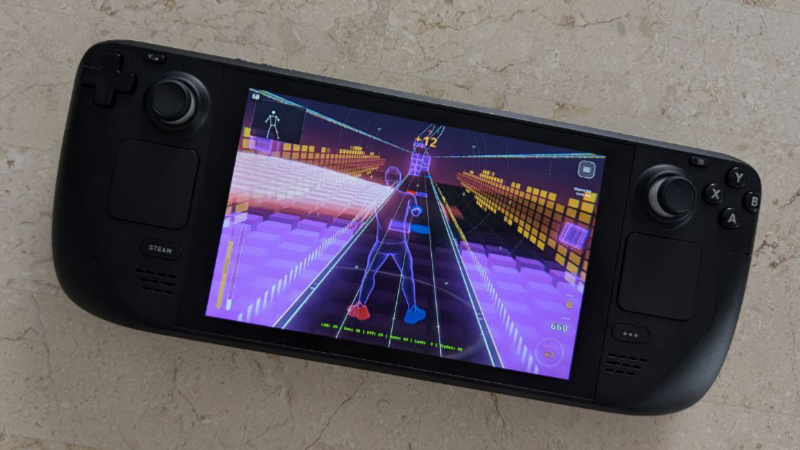
Hey Steam Deck players 👋
Thanks for your interest in the game!
The game runs great on Steam Deck and currently supports phone-based tracking. However, SteamOS uses Wi-Fi power management by default. This feature groups network packets together, which causes noticeable latency for real-time body tracking.
To ensure smooth and accurate tracking, Wi-Fi power saving must be disabled.
You can do this in one of the two ways below.
Option 1 — Recommended (Steam Deck Settings)
- Press the Steam button and open Settings
- Go to System
- Enable Developer Mode
- Open the new Developer tab at the bottom
- Disable "Enable Wi-Fi Power Management"
- Restart your Steam Deck
Option 2 — Advanced (Desktop Mode)
- Switch to Desktop Mode
- Open the Konsole app
- Enter the following command:
sudo iw dev wlan0 set power_save off
If you don't have a sudo password, you will need to set one first.
This announcement was originally published by Vilegacy on Steam on Jan 25, 2026.
Open the original on Steam