v131 - UI Revamp, Prop edit, Quality of Life - 2025.12.12
Ige Olwen
Dec 17, 2025
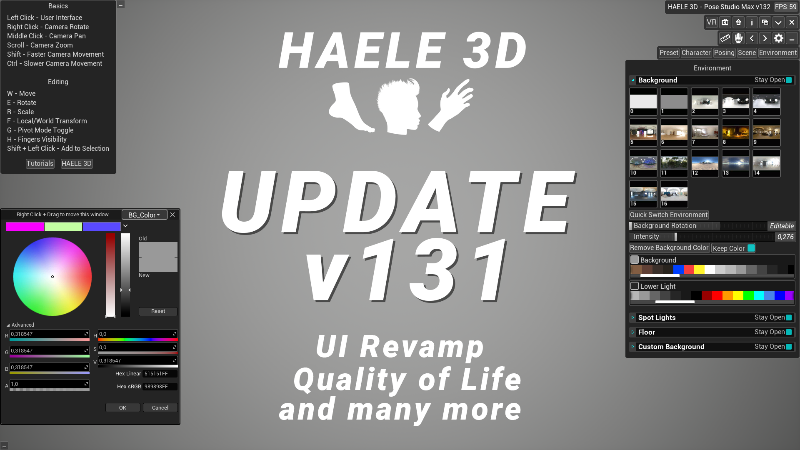
- ADDED - the option to scale the floor in the environment menu - ADDED - the option to close the eyes and to focus the weight on the eye movement - ADDED - Hue option to change the color of human figures - ADDED - Metallic option to change the metalness of human figures - ADDED - Specular option to change the specularity of human figures - ADDED - Skin contrast option to human figures - ADDED - Options to edit a props material. Available in the scene menu. - ADDED - A button under the selected color on the color selector panels that opens the color wheel - ADDED - A bit of shadow under eyelashes for a more natural look - FIXED - Some values did not update in the menu when selected a new character - CHANGED - Quick mirror button now work with props and human figures too - CHANGED - The color selector widgets in the menu to be a bit more readable - ADDED - On hover text when hovering over bones to display the names - CHANGED up bone colors a bit to remove blue and red that represented the sides and fingers at the same time - CHANGED - Menu area auto collapse and open when clicked - CHANGED - Tiny nudges on the welcome screen. - CHANGED - Improved menu visibility, and refurbished a few minor things - CHANGED - Renamed a few things in the menu to be clearer - CHANGED - Basically most of the menus are revamped for visibility and readability - CHANGED - Gizmo World/Local switch button to G - CHANGED - Toggle Extra Bones button in Feet Poses does not hide the finger joints anymore. - CHANGED - Getting to the boot up screen should be faster, will improve overall load times later. - ADDED - A guide screen to the start of the application fog begginers
Check out my new X channel for a peak into the future of HAELE 3D: https://x.com/haele3d
Add my next upcoming app to your wishlist:
This announcement was originally published by Ige Olwen on Steam on Dec 17, 2025.
Open the original on Steam